+ - 0:00:00
Notes for current slide
Notes for next slide

Follow Along

kubesec.jasonrichardsmith.org

2 / 23

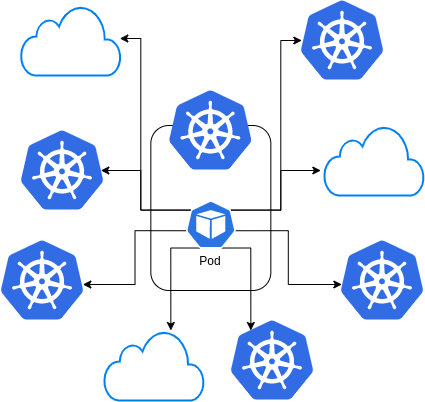
Intercluster Control?

3 / 23

Who is doing this?

How are you doing it?

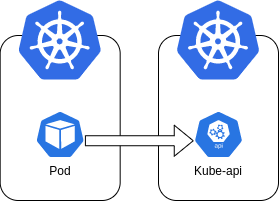
Controlling one cluster from the pod in another

Want to do this?

CI/CD?

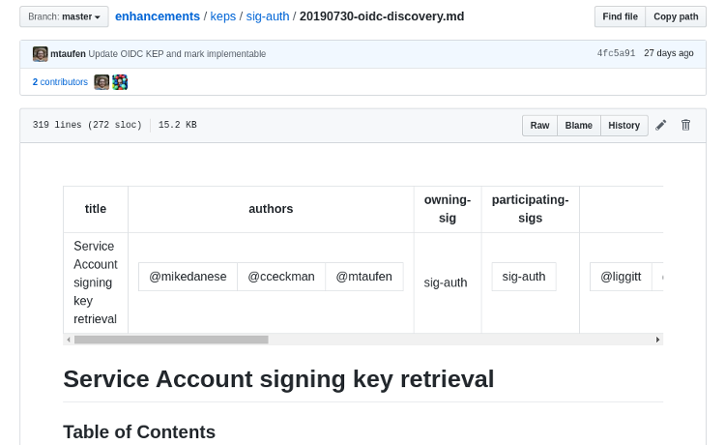
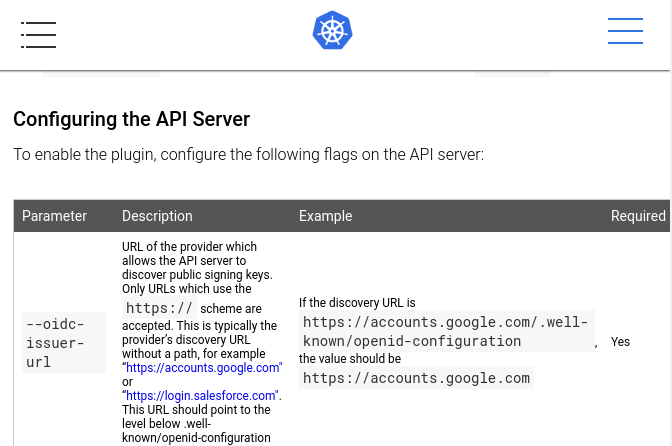
This Kubernetes Enhancement Proposal covers the purpose of adding OIDC discovery in Kubernetes

What I will be discussing today.

KEP

Goals

  • Allow (authorized) systems to discover the information they need to authenticate KSA tokens.
  • Attempt compatibility with OIDC: common libraries that authenticate OIDC tokens should be able to authenticate KSA tokens.
  • Support authentication when the API server is not directly reachable by the relying party.

https://github.com/kubernetes/enhancements/blob/master/keps/sig-auth/20190730-oidc-discovery.md

5 / 23

OIDC Discovery - PR

https://github.com/kubernetes/kubernetes/pull/80724

Feb 18, 2020

v1.18

6 / 23

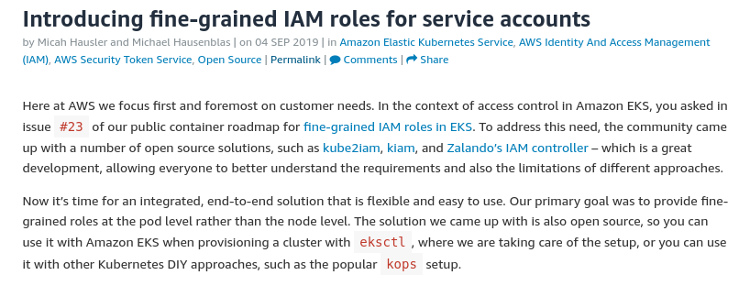
Micah Hausler and Michael Hausenblas

EKS and IAM introduced last year

Introduced the same functionality

IAM accepts oidc identities

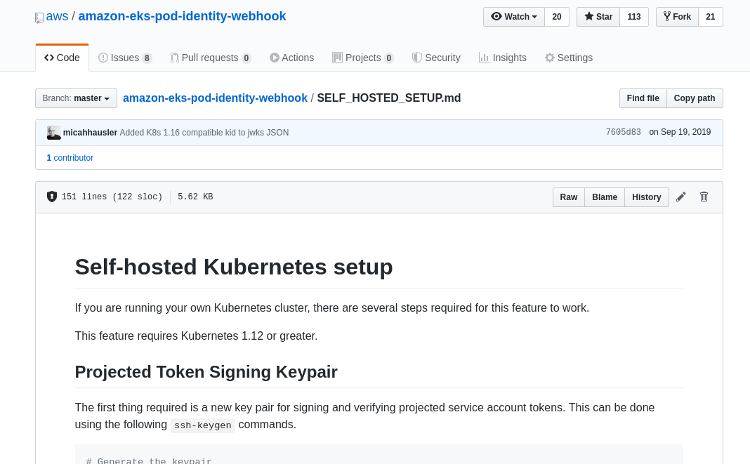
A guide how to run your own discovery endpoints

BUT This is static

The Components

  1. OIDC Discovery Document
  2. Projected Service Accounts
  3. Client
9 / 23

1: OIDC Discovery Document

.well-known/openid-configuration

{
"response_types_supported": [
"id_token"
],
"subject_types_supported": [
"public"
],
"id_token_signing_alg_values_supported": [
"RS256",
"ES256"
],
}
https://openid.net/specs/openid-connect-discovery-1_0.html
10 / 23

1: OIDC Discovery Document

/openid/v1/jwks

{
"keys": [
{
"kty": "RSA",
"alg": "RS256",
"use": "sig",
"kid": "ccab4acb107920dc284c96c6205b313270672039",
"n": "wWGfvdCEjJJy...",
"e": "AQAB"
}
]
}

https://openid.net/specs/openid-connect-discovery-1_0.html

11 / 23

The JSON Web Key Set (JWKS) is a set of keys which contains the public keys used to verify any JSON Web Token (JWT) issued by the authorization server and signed using the RS256 signing algorithm.

2: Projected Service Accounts

apiVersion: v1
kind: Pod
metadata:
name: a-pod
spec:
containers:
- name: a-container
image: container
volumeMounts:
- mountPath: "/var/run/secrets/myfolder/"
name: psa-token
volumes:
- name: psa-token
projected:
sources:
- serviceAccountToken:
audience: "my.audience.here"
expirationSeconds: 86400
path: token

https://kubernetes.io/docs/tasks/configure-pod-container/configure-service-account/#service-account-token-volume-projection

12 / 23

2. Projected Service Accounts


vs Service Accounts

"You can specify desired properties of the token, such as the audience and the validity duration. These properties are not configurable on the default service account token."

https://kubernetes.io/docs/tasks/configure-pod-container/configure-service-account/#service-account-token-volume-projection
13 / 23

3. The Client...

14 / 23

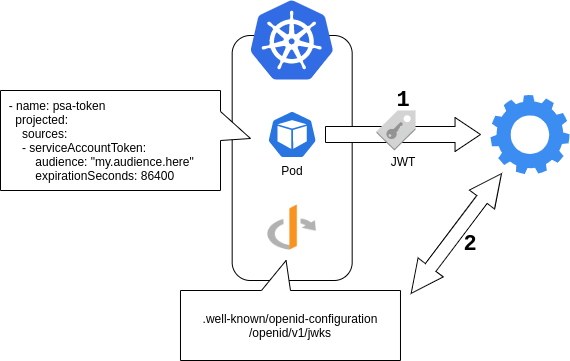
The Process

15 / 23

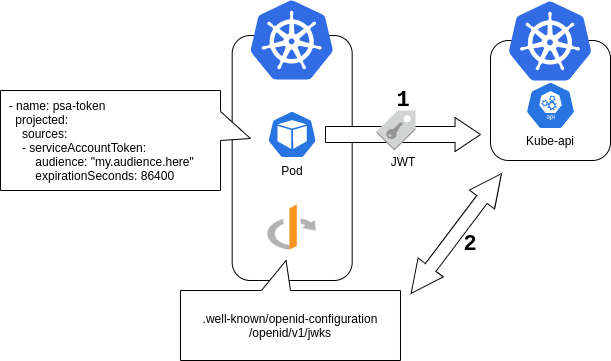
The Process - With K8s

17 / 23

Clients

  • AWS
  • Kubernetes
18 / 23

Clients

"We aren't trying to make the KSA token process fully compliant with OIDC specifications."

https://github.com/kubernetes/enhancements/blob/master/keps/sig-auth/20190730-oidc-discovery.md

19 / 23

Clients

  • AWS
  • Kubernetes
20 / 23

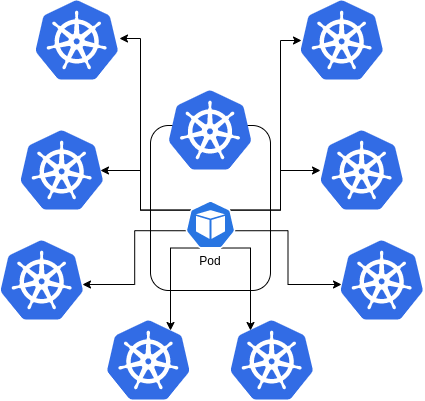
Control Patterns

21 / 23

Control Patterns

22 / 23

?

23 / 23

Follow Along

kubesec.jasonrichardsmith.org

2 / 23
Paused

Help

Keyboard shortcuts

, , Pg Up, k Go to previous slide
, , Pg Dn, Space, j Go to next slide
Home Go to first slide
End Go to last slide
Number + Return Go to specific slide
b / m / f Toggle blackout / mirrored / fullscreen mode
c Clone slideshow
p Toggle presenter mode
t Restart the presentation timer
?, h Toggle this help
Esc Back to slideshow